
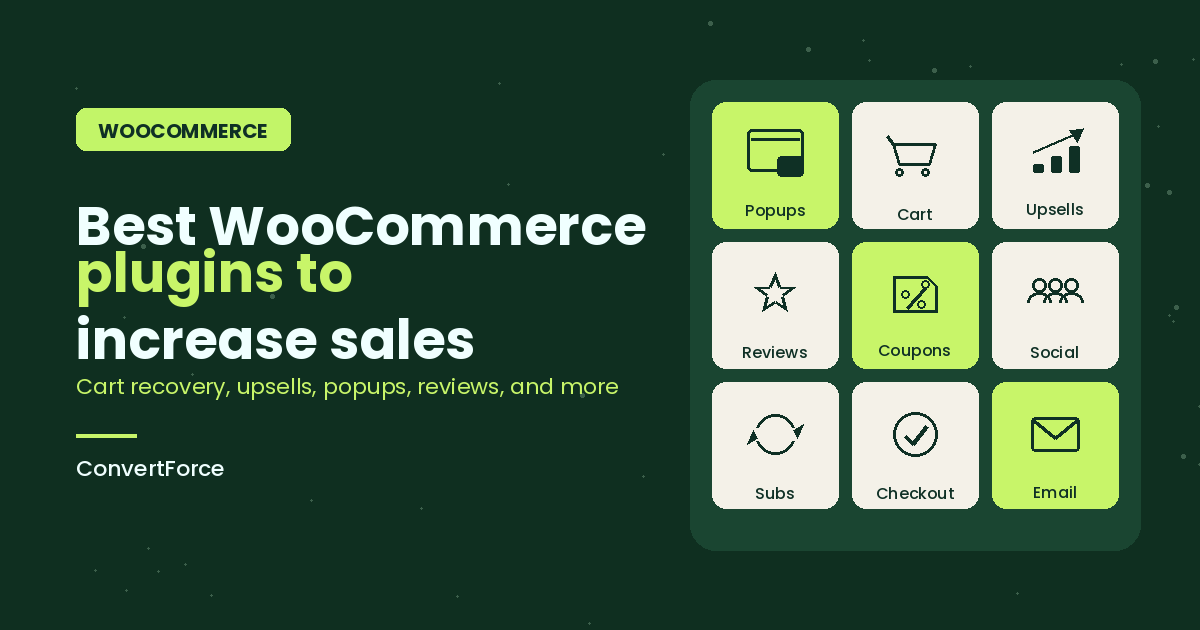
WooCommerce core handles products, cart, checkout, and payments well enough to launch a store; but it doesn’t do much to grow one. Increasing sales on a WooCommerce site means plugging specific revenue leaks: abandoned carts, weak product pages, no upsells, no email follow-up, no urgency, no retargeting, and checkout flows with too much friction.
This guide covers 15 WooCommerce plugins that directly target those leaks, organized by the job each one does. Every entry includes what the plugin is, who it’s best for, and current pricing so you can build a stack that matches your store’s stage — not a maximum stack that slows your site down and eats your margin.
| Plugin | Category | Free Version | Pricing (from) |
|---|---|---|---|
| ConvertForce | Popups & Notification Bars | Yes | Pro coming soon |
| CartFlows | Sales Funnels & Checkout | Yes | $249/yr |
| FunnelKit (Cart Abandonment) | Cart Recovery | No | $129/yr |
| FluentCRM | Email Marketing & Automation | No | $129/yr |
| YITH WooCommerce Wishlist | Wishlists | Yes | $99.99/yr |
| WowRevenue | Product Bundles and AOV | Yes | $79/yr |
| WooCommerce Product Recommendations | Upsells & Cross-sells | No | $99/yr |
| Advanced Coupons | Smart Coupons & Loyalty | Yes | $199/yr |
| TrustPulse | Social Proof Notifications | No | $5/mo |
| ReviewX | Product Reviews & UGC | Yes | $79/yr |
| SUMO Subscriptions | Recurring Revenue | No | $49 one-time |
| Variation Swatches for WooCommerce | Product Page UX | Yes | $49/yr |
| Optiontics | Product Options & Upsells | Yes | $63/year |
| PixelYourSite | Pixel Tracking & Retargeting | Yes | $359/yr |
| Direct Checkout for WooCommerce | Checkout Friction | Yes | $49/yr |
| Omnisend | Email & SMS Marketing | Yes | $11.20/mo |
| WP Rocket | Caching / Speed | No | $59/yr |
1. ConvertForce (Popups and Notification Bars)
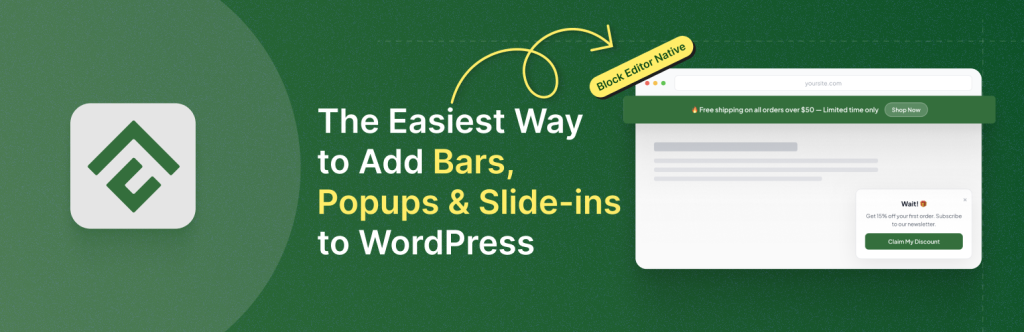
ConvertForce is a conversion plugin for creating notification bars, lightbox popups, and slide-in campaigns using the native Gutenberg block editor.
For a WooCommerce store, that translates directly into revenue plays: announcement bars for storewide sales and free shipping thresholds, welcome popups for first-time visitor discounts, and slide-ins for email capture and static social proof like star ratings and testimonials. Every campaign is built with the same blocks you already use for product and landing pages, so there’s no separate builder to learn and no proprietary drag-and-drop canvas to fight.
ConvertForce is early-stage. The free version is live on WordPress.org, and a Pro version is in development with advanced triggers (exit intent, scroll depth, user inactivity), frequency controls, and analytics planned. It currently doesn’t support live social proof notifications or email integrations, so stores that need those specific features should pair ConvertForce with dedicated tools like TrustPulse and FluentCRM. ConvertForce requires Gutenberg and doesn’t work with the Classic Editor plugin.
Best for: WooCommerce stores running on Gutenberg that want lightweight, blocks-native popups and announcement bars for promos, opt-ins, and shipping offers.
Pricing: Free; Pro coming soon.
2. CartFlows (Sales Funnels and Checkout)
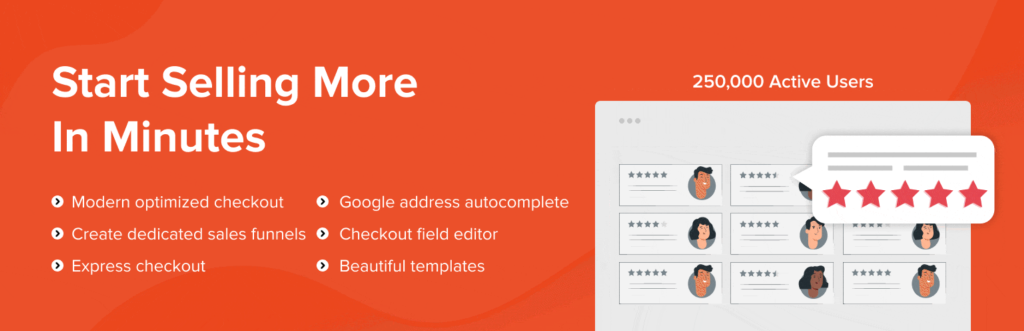
CartFlows is a sales funnel builder for WooCommerce that replaces the default shop → cart → checkout flow with optimized funnels, order bumps, and one-click upsells.
The free version covers funnel creation, pre-built templates, and a streamlined checkout page that consistently converts better than the default WooCommerce checkout. Pro unlocks order bumps (an offer added to the checkout page that customers accept with a single checkbox), one-click post-purchase upsells, A/B testing, and dynamic offers based on cart contents. Order bumps and one-click upsells are two of the highest-ROI features a WooCommerce store can add — they lift average order value without asking the customer to re-enter payment details.
CartFlows works alongside the standard WooCommerce checkout, so you can run optimized funnels for specific products or campaigns while leaving the rest of the store on the default flow. Alternatives include FunnelKit (more advanced automation, higher price) and WooFunnels.
Best for: Stores selling a flagship product or a small catalog where raising average order value through bumps and upsells has clear leverage.
Pricing: Free; Pro from $249/year.
3. FunnelKit Automations (Cart Recovery)
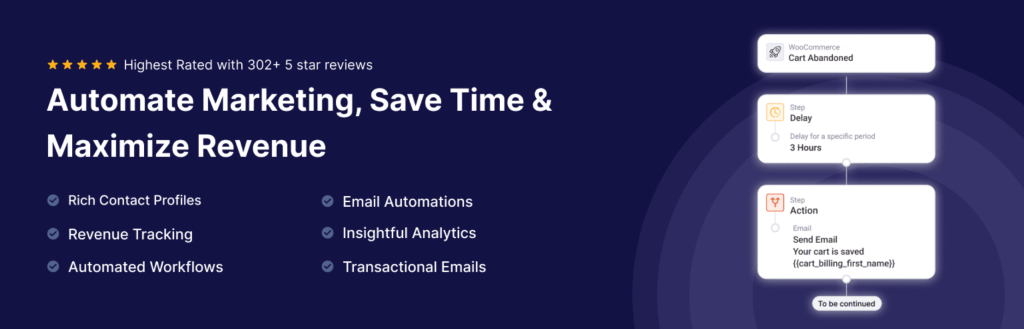
FunnelKit Automations is a marketing automation plugin for WooCommerce that handles abandoned cart recovery, post-purchase sequences, win-back campaigns, and broadcast emails from inside WordPress.
Abandoned cart recovery is the feature most stores install it for. FunnelKit captures email addresses the moment a customer enters them at checkout, then sends a sequence of reminder emails (and SMS, on higher plans) if the order isn’t completed. Industry benchmarks put recovered cart revenue at 5–15% of otherwise-lost checkouts, which for most stores pays for the plugin many times over. The automation builder also supports post-purchase sequences, review requests, and customer win-back flows based on purchase history.
The free version covers basic abandoned cart recovery; the Pro version adds the full automation builder, SMS, A/B testing, and deeper WooCommerce event triggers. FluentCRM (below) can handle similar automations for a lower flat price if you’re comfortable setting up SMTP and don’t need the WooCommerce-specific funnel features.
Best for: Stores losing identifiable revenue to cart abandonment and willing to invest in automation to recover it.
Pricing: Free; Pro from $129/year.
4. FluentCRM (Email Marketing and Automation)

FluentCRM is a self-hosted email marketing and CRM plugin that runs entirely inside WordPress instead of relying on a third-party service like Klaviyo or Mailchimp.
For WooCommerce, FluentCRM tags customers based on products purchased, order value, and purchase frequency, then triggers automations off those events — post-purchase sequences, VIP customer flows, category-based cross-sell campaigns, and segmented broadcasts. Because it’s self-hosted, you pay a flat annual fee instead of per-subscriber pricing, which becomes a significant cost advantage once your list grows past a few thousand contacts.
The tradeoff is email deliverability. FluentCRM sends through your own SMTP provider (Amazon SES, SendGrid, Postmark), so you’re responsible for setting that up and warming up a sending domain. For stores that already have reliable SMTP configured, FluentCRM replaces a four-figure annual Klaviyo or Omnisend bill with a sub-$200 plugin license.
Best for: WooCommerce stores with growing email lists that want to escape per-subscriber pricing while keeping customer data on their own server.
Pricing: $129/year for a single site.
5. YITH WooCommerce Wishlist (Wishlists)
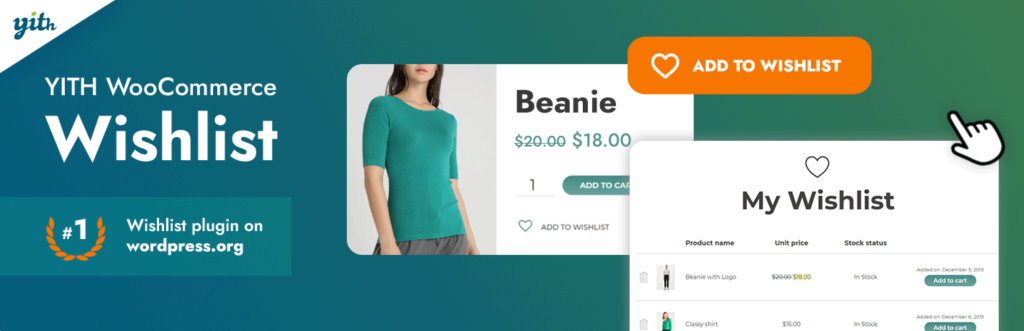
YITH WooCommerce Wishlist lets customers save products for later and share their lists, giving stores a second touchpoint to convert interested shoppers who aren’t ready to buy on their first visit.
The free version covers wishlist creation, a dedicated wishlist page, and basic sharing. Pro adds multiple wishlists per user, ask-an-estimate functionality, stock and price change notifications for wishlisted items, and admin insights into which products are most wishlisted. The price-drop and back-in-stock notifications are the strongest sales features — they bring customers back at the exact moment they’re most likely to buy.
Wishlists also work well for gift-driven categories (jewelry, home goods, apparel) where customers save items and share with partners, friends, or family. For categories with high consideration cycles, a wishlist can mean the difference between a lost visitor and a converted one three weeks later.
Best for: Stores with considered purchases, gift-friendly categories, or repeat browsers who don’t convert on first visit.
Pricing: Free; Premium from $99.99/year.
6. WowRevenue (Product Bundles and AOV)
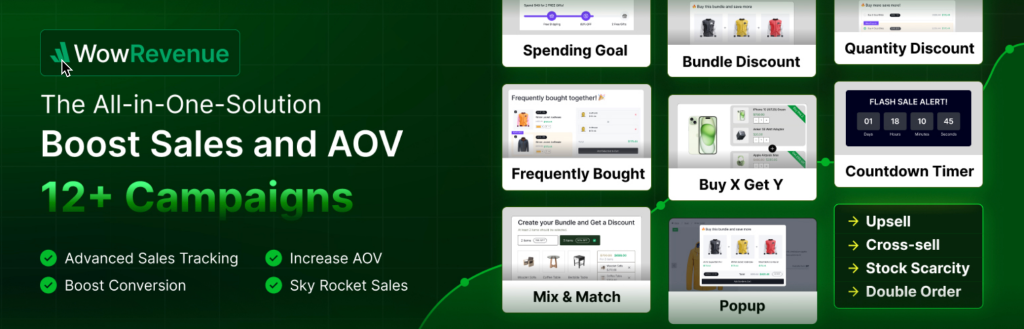
WowRevenue is a WooCommerce product bundling and discount campaign plugin designed to increase average order value by encouraging customers to add more products or higher quantities to each order.
Its strongest features are the bundle-focused campaigns. Stores can create fixed product bundles, mix-and-match bundles, frequently bought together offers, quantity-based discounts, and Buy X Get Y promotions. These campaigns let merchants package complementary products, give shoppers control over bundle contents, or offer progressively better pricing as order quantity increases. WowRevenue can display offers across product, cart, checkout, and thank-you pages, depending on the campaign type.
The plugin also includes spending goals, free-shipping progress bars, one-click order multiplication, next-order coupons, countdown timers, and stock-scarcity campaigns. A built-in analytics dashboard tracks campaign sales, conversions, revenue, and average order value, helping stores identify which offers are actually producing larger orders.
Best for: WooCommerce stores that want to increase average order value through product bundles, volume discounts, frequently bought together offers, and cart-level upsells.
Pricing: Free version available; Pro from $79/year, with introductory discounts available.
7. WooCommerce Product Recommendations (Upsells and Cross-sells)
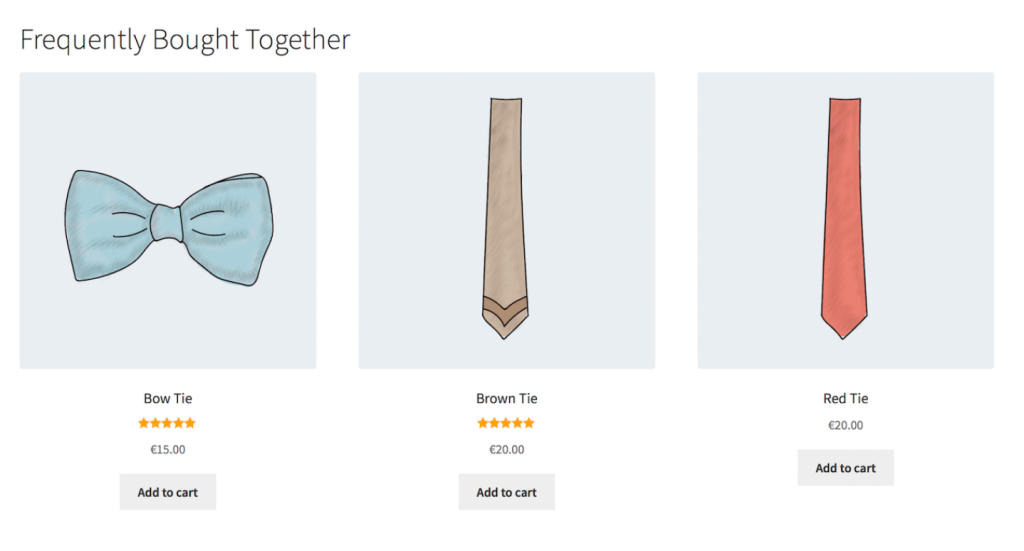
Product Recommendations is an official WooCommerce extension that adds rules-based and behavior-driven product suggestions across product pages, cart, checkout, and thank-you pages.
Rather than manually assigning related products one at a time, Product Recommendations lets you define rules — “show accessories under $30 to customers who added a camera to cart” or “show top-rated products from the same category on all product pages.” It supports frequently-bought-together bundles, recently-viewed sections, and personalized recommendations based on browsing and purchase history. Every placement has measurable impact on average order value, and the plugin reports revenue attribution per recommendation block.
Free alternatives exist — “Related Products for WooCommerce” and similar plugins cover the basics — but they lack the behavioral targeting and analytics that make paid recommendation tools pay for themselves.
Best for: Stores with catalogs of 20+ products where related-product placements can be systematized instead of hand-curated.
Pricing: $99/year for a single site.
8. Advanced Coupons (Smart Coupons and Loyalty)

Advanced Coupons extends the default WooCommerce coupon system with BOGO deals, cart conditions, scheduled coupons, auto-applied coupons, URL-triggered coupons, and a full loyalty points program.
The free version alone is a meaningful upgrade over native WooCommerce coupons — it adds cart conditions (minimum subtotal, specific product combinations, customer history), BOGO offers, and scheduling. The Premium tier adds loyalty points and rewards, store credit, a full gift card system, and shipping overrides. The loyalty program is the standout Pro feature: customers earn points per dollar spent and redeem them for discounts, which lifts repeat purchase rate without needing a separate loyalty platform.
URL-triggered coupons deserve special mention — they let you send a link (in an email, ad, or popup) that auto-applies a discount when clicked, removing the “enter code” friction that kills coupon redemption rates.
Best for: Stores running frequent promotions, BOGO deals, or planning to add a loyalty program without paying for a separate service.
Pricing: Free; Premium from $199/year.
9. TrustPulse (Social Proof Notifications)

TrustPulse is a live social proof plugin that displays real-time notifications of recent purchases, signups, and other activity to visitors browsing your store.
The notifications appear as small toast-style popups in the corner of the screen — “Sarah from Chicago just bought [product] 4 minutes ago” — which works on the same psychological principle that drives hotel booking sites (“12 people are viewing this room”). For WooCommerce, TrustPulse pulls from actual order data, so the notifications are real rather than fabricated. Stores typically report conversion lifts in the 5–15% range on high-traffic product pages after installing social proof.
TrustPulse is a SaaS tool with a WordPress plugin connector rather than a fully self-hosted plugin, so there’s a monthly subscription rather than a one-time or annual license. Free alternatives exist (notably “Nextsale” and a handful of freemium plugins), but TrustPulse is the most widely used option with reliable uptime.
Best for: Stores with enough order volume to make live notifications meaningful — roughly 10+ orders per day minimum for the effect to feel active.
Pricing: Paid plans from $5/month.
10. ReviewX (Product Reviews and UGC)
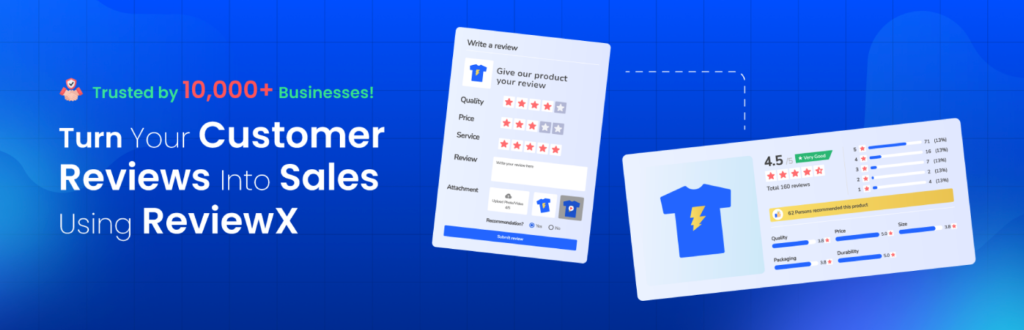
ReviewX is a WooCommerce-native review plugin that adds multi-criteria ratings, photo and video reviews, and customizable review displays on product pages.
Product reviews are one of the most direct conversion levers on any eCommerce site — displayed reviews consistently lift product page conversion rates, and review volume is a ranking factor for shopping queries in Google. ReviewX covers the review essentials (star ratings, review moderation, automatic review request emails after purchase) plus multi-criteria ratings that let customers rate products on separate dimensions like quality, value, and shipping. The Pro version adds advanced reminders, Google Rich Snippets, and QR code review collection.
ReviewX gained prominence as a Judge.me replacement after Judge.me discontinued WooCommerce support in September 2025. For stores migrating off Judge.me, ReviewX includes a one-click import tool. Free alternatives include CusRev (simpler, community-recommended) and Site Reviews (lightweight and not WooCommerce-specific).
Best for: Stores where reviews directly influence purchase decisions — which is most stores selling anything above impulse-purchase price points.
Pricing: Free; Pro from $79/year.
11. SUMO Subscriptions (Recurring Revenue)

SUMO Subscriptions turns any WooCommerce product into a subscription with flexible billing intervals, trial periods, signup fees, and customer-managed subscription dashboards.
For stores with subscription-suitable products (consumables, digital access, curated boxes, services), recurring revenue fundamentally changes the business model — a single conversion produces predictable monthly revenue instead of a one-time sale. SUMO covers the common subscription features: manual and automatic renewals, prorated upgrades and downgrades, pause and resume, and subscription reports. It’s sold on CodeCanyon with a one-time purchase price rather than an annual license, which is unusual for the category and makes it meaningfully cheaper than alternatives over a multi-year horizon.
The official WooCommerce Subscriptions extension is the better-known option at $239/year, with tighter WooCommerce integration and more mature documentation. YITH WooCommerce Subscription is another viable alternative with a freemium model.
Best for: Stores selling consumables, digital access, memberships, or any product that can be sold on a recurring cadence.
Pricing: $49 one-time (CodeCanyon regular license).
12. Variation Swatches for WooCommerce (Product Page UX)
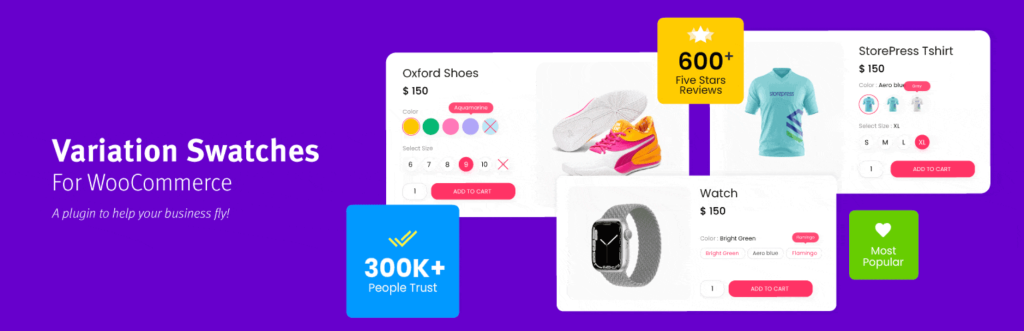
Variation Swatches replaces the default WooCommerce variation dropdowns (for attributes like color, size, material) with visual swatches — color boxes, image thumbnails, or styled buttons.
This sounds minor, but it’s a measurable conversion lever on product pages. Dropdowns hide the variation options behind a click; swatches display them inline, which shortens the path to “add to cart” and lets customers see at a glance whether a product comes in the color or style they want. For fashion, home goods, and any variant-heavy catalog, swatches often lift product page conversion rates by double digits.
The free version covers color, image, and button swatches with basic customization. Pro adds attribute-level images (so the product gallery changes based on selected variant), swatches on shop and category pages, tooltips, and stock-status integration (showing which variants are out of stock without requiring a click).
Best for: Stores with variable products where color, size, or style are key purchase decisions — apparel, accessories, furniture, beauty.
Pricing: Free; Pro from $49/year.
13. Optiontics (Product Options & Upsells)
Optiontics is a WooCommerce plugin that turns plain product pages into configurable, upsell-ready experiences. It adds custom fields, swatches, and pricing rules that native WooCommerce simply doesn’t support.
Most WooCommerce stores hit the same wall: native variation dropdowns work fine for “size” and “color,” but fall apart the moment you need something more flexible. Engraved text with per-letter pricing. A fabric option that changes the price based on square footage. A gift-wrap checkbox that adds a few dollars at checkout.
Optiontics handles all of that through a drag-and-drop builder with 25+ configurable field types, and it also has an AI-assisted setup mode: type a sentence describing your product, and it generates the fields and pricing logic for you.
It’s built for four kinds of stores in particular: sellers of personalized products like engraved jewelry or monogrammed gifts, made-to-order goods like custom furniture, service-based bookings that need rush fees or add-ons, and general product pages looking to lift average order value with bundles or warranties.
For stores where WooCommerce’s native variations start breaking down past 50 or so combinations, formula-based pricing and conditional logic solve that without touching code.
It’s also built to stay lightweight, with lightning fast loading that won’t drag down product page speed the way heavier configurator plugins can. And where most plugins in this category charge per site per year, Optiontics also offers a one-time lifetime license, which works out cheaper for stores running it on more than one or two sites long-term.
Best for: Stores selling customizable, made-to-order, or booking-based products that want to add paid options and upsells without hiring a developer.
Pricing: Free trial available; Annual from $63/year; Lifetime from $109 one-time (5 sites).
14. PixelYourSite (Pixel Tracking and Retargeting)

PixelYourSite installs and configures Meta (Facebook/Instagram), Google Ads, TikTok, Pinterest, and Bing pixels across your WooCommerce store with proper event tracking for views, add-to-cart, initiate-checkout, and purchase events.
Correct pixel implementation is what makes retargeting ads work. Without server-side event tracking and accurate purchase attribution, Meta and Google can’t optimize ad delivery, and your cost per acquisition will be higher than it needs to be. PixelYourSite handles the full WooCommerce event map, passes dynamic product IDs and order values, and supports Conversions API / server-side tracking on the Pro tier, which has become essential as browser-side pixel tracking gets blocked by iOS privacy changes and ad blockers.
The free version covers Meta pixel with basic WooCommerce events. Pro adds all the other platforms, Conversions API, advanced event parameters, and dynamic product catalog feeds for dynamic retargeting ads.
Best for: Any WooCommerce store running paid ads on Meta, Google, or TikTok — which is most stores past the bootstrap phase.
Pricing: Free; Pro from $359/year.
15. Direct Checkout for WooCommerce (Checkout Friction)
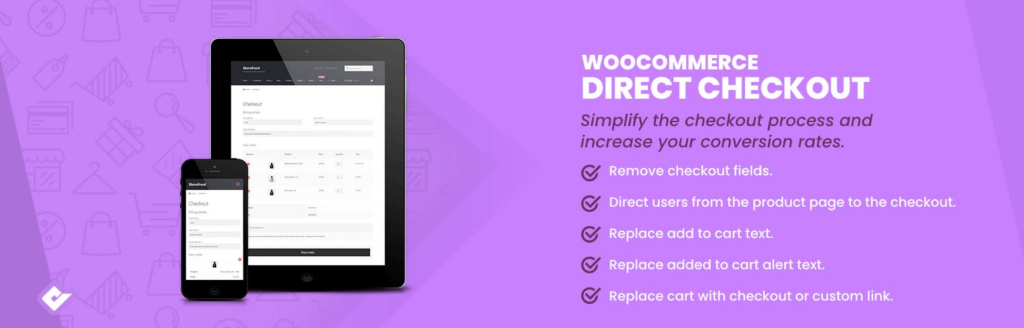
Direct Checkout for WooCommerce shortens the checkout path by skipping the cart page, replacing the “Add to Cart” button with a direct “Buy Now” flow, and collapsing multi-step checkouts into a single page.
Every additional click between intent and purchase loses customers. For stores selling a small number of products (or products where customers typically buy one at a time), sending shoppers directly from product page to checkout rather than through a cart page meaningfully raises completion rates. The plugin also lets you hide unnecessary checkout fields, making the form shorter for customers who don’t need a billing address separate from shipping, for example.
The free version handles the core “skip cart” flow. Pro adds one-click buy buttons, checkout field management, and AJAX add-to-cart. Alternatives include Checkout Field Editor (focused purely on field management) and the checkout optimization features inside CartFlows.
Best for: Stores with simple product catalogs, single-product landing pages, or digital goods where a cart page adds friction without adding value.
Pricing: Free; Pro from $49/year.
16. Omnisend (Email and SMS Marketing)

Omnisend is a hosted email and SMS marketing platform with a WooCommerce plugin that handles broadcast campaigns, automated flows (welcome series, abandoned cart, post-purchase, win-back), and segmentation based on WooCommerce data.
For stores not ready to self-host email marketing with FluentCRM, Omnisend is the most WooCommerce-friendly hosted alternative. It’s purpose-built for eCommerce (unlike Mailchimp, which has pulled back from the eCommerce segment in recent years), includes pre-built WooCommerce automation templates, and has a genuinely useful free tier — up to 250 contacts and 500 emails per month, which covers a launching store’s first few months of revenue. SMS marketing is available on paid plans, with strong automation support for abandoned cart and back-in-stock flows.
The tradeoff versus FluentCRM is cost at scale — once your list passes a few thousand subscribers, hosted platforms become significantly more expensive than a flat-fee self-hosted setup.
Best for: Stores that want a hosted email and SMS platform with deep WooCommerce integration and don’t want to manage SMTP themselves.
Pricing: Free tier (250 contacts, 500 emails/month); paid plans from $11.20/month.
17. WP Rocket (Caching and Speed)
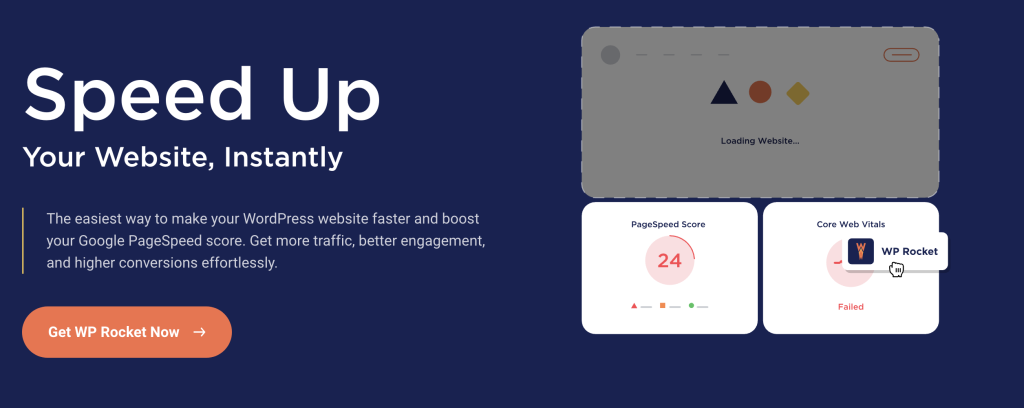
WP Rocket is a premium caching plugin that handles page caching, browser caching, file minification, lazy loading, and database cleanup from a single interface.
Speed belongs on any “increase sales” list because site speed is one of the most consistent conversion rate variables. Industry studies put conversion rate loss at roughly 7% per additional second of load time, and on mobile the effect is steeper. WooCommerce adds more database queries, cart fragments, and cart AJAX calls than a standard WordPress site, which makes caching strategy especially important. WP Rocket includes WooCommerce-specific compatibility (correctly excluding cart, checkout, and account pages from cache) and works out of the box without tuning.
LiteSpeed Cache is a strong free alternative if your host runs LiteSpeed servers. On other hosting stacks, WP Rocket is usually the simpler path to measurable speed gains without deep performance tuning.
Best for: WooCommerce stores where product pages, category pages, or homepage load times are dragging down conversion rates.
Pricing: $59/year for a single site.
How to Choose the Right Plugins for Your WooCommerce Store
You don’t need all 15. The right stack depends on where your store is in its lifecycle and where the biggest revenue leaks are. A reasonable progression looks like this:
New store (under roughly $5k/month): Focus on foundational conversion. ConvertForce for announcement bars and welcome popups, ReviewX for product reviews, Advanced Coupons (free) for promotions, a free cart abandonment plugin, and WP Rocket for speed. Skip everything else until there’s enough traffic and revenue to measure the impact of adding it.
Growing store ($5k–$50k/month): Add email marketing (Omnisend or FluentCRM), CartFlows for checkout optimization, TrustPulse for social proof, Product Recommendations for upsells, PixelYourSite for retargeting, and Variation Swatches if you have variant-heavy products.
High-volume store ($50k+/month): Full stack makes sense — FunnelKit for advanced automation, SUMO or WooCommerce Subscriptions if a subscription model fits, Direct Checkout for friction reduction, and deeper optimization across the categories above.
Two principles matter regardless of stage. First, every active plugin is code that loads on your site, gets updated, and occasionally conflicts with other plugins — a heavier stack isn’t automatically a better one. Second, check whether your hosting or existing tools already provide a feature before installing a plugin for it. Managed WooCommerce hosts often include caching, some level of security, and basic performance optimization at the server level.
Frequently Asked Questions
How many plugins does a WooCommerce store actually need?
There’s no hard number, but most profitable WooCommerce stores run somewhere between 15 and 30 plugins in total (including WooCommerce extensions, not just sales-focused plugins). Plugin count matters less than plugin quality and load order — a lean, well-coded stack of 20 plugins can outperform a bloated stack of 10. The right question is whether each active plugin earns its place in revenue or operations.
Which WooCommerce plugin gives the highest ROI for a new store?
For a new store, the highest-ROI plugins are the ones that touch the largest percentage of visitors. That usually means a popup or notification bar plugin for email capture and promotions (ConvertForce), a review plugin for social proof on product pages (ReviewX), and a cart abandonment tool. Paid ads retargeting (PixelYourSite) and email automation (Omnisend or FluentCRM) become high-ROI once traffic and list size justify them.
Do I need separate plugins for upsells and cross-sells?
Not always. CartFlows handles one-click upsells at checkout, Product Recommendations handles rule-based cross-sells on product and cart pages, and many stores run both. If budget is tight, start with one — CartFlows if your leverage is at checkout, Product Recommendations if your leverage is on product and cart pages.
Can free WooCommerce plugins actually increase sales?
Yes. Free versions of ConvertForce, ReviewX, Advanced Coupons, Direct Checkout, Variation Swatches, and PixelYourSite all cover enough functionality to move revenue on a small store. The paid tiers mostly unlock automation, analytics, and advanced triggers that matter more as volume grows. Starting with free plugins and upgrading when a specific limitation blocks you is usually the right sequencing.
How do I recover abandoned carts without paying for expensive tools?
The cheapest path is FluentCRM ($129/year flat) paired with WooCommerce event triggers, or the free tier of Omnisend (250 contacts) for stores that haven’t outgrown it. FunnelKit Automations has a free version as well, though the useful features sit in the Pro tier. The actual email sequence matters more than the tool — a simple three-email reminder (1 hour, 24 hours, 72 hours) recovers most of what’s recoverable.
Will adding conversion plugins slow down my store?
Some will. Social proof notification plugins, chat widgets, and heavy popup tools all add front-end weight. The cost is usually worth it if the plugin measurably lifts conversion rate, but the impact compounds — five conversion plugins each adding 200ms is a full second of delay. Audit page speed before and after installing each new tool, and keep caching (WP Rocket or equivalent) tuned to offset the overhead.
Conclusion
The best WooCommerce plugin stack for increasing sales isn’t the biggest one — it’s the one that closes your store’s specific revenue leaks without introducing new ones. Most stores leak in predictable places: not enough email capture at the top of the funnel, weak social proof on product pages, friction at checkout, no cart recovery after abandonment, and no system for bringing customers back.
Start by identifying which of those gaps is costing the most revenue, then install a single plugin to close that gap. Measure the impact. Then close the next gap. This is slower than installing everything on this list at once, but it produces a leaner, faster, more profitable store — and it keeps you honest about which plugins are actually earning their place. Install deliberately, audit quarterly, and delete anything that isn’t clearly pulling weight.
Recommended Reading:
- 100+ Quick Tweaks to Boost Your WooCommerce Sales
- 15 Best WordPress Plugins for Business Websites
- How to Create an Exit Intent Popup for Your WordPress Site
Leave a Reply