-

·
How to Create an Exit Intent Popup in WordPress
Learn how to create an exit intent popup in WordPress using ConvertForce Pro. Build your popup with any core WordPress block and trigger it on exit intent in minutes. In this competitive online space, it’s challenging to grow a business unless you can capture visitors before they leave. Research consistently shows that well-timed popups can…
-
·
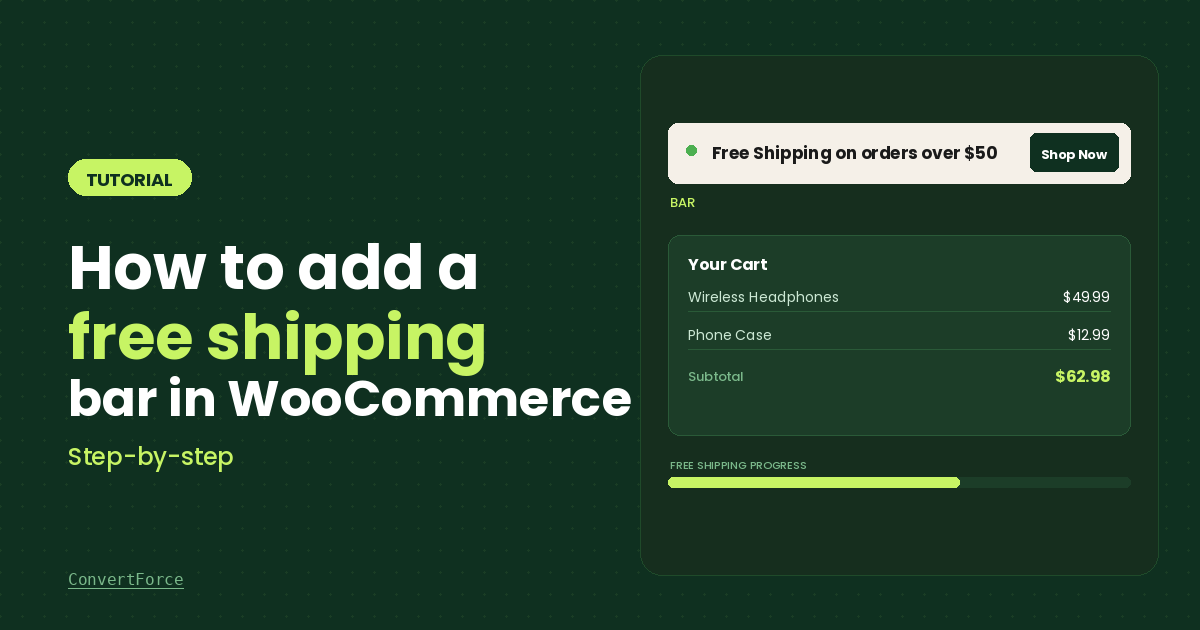
How to Add a Free Shipping Bar in WooCommerce (Step-by-Step)
Free shipping is one of the most effective ways to reduce cart abandonment and increase average order value. But simply offering free shipping is not enough — shoppers need to see the offer clearly as they browse your store. A free shipping bar is a notification bar that sits at the top or bottom of…
-
·
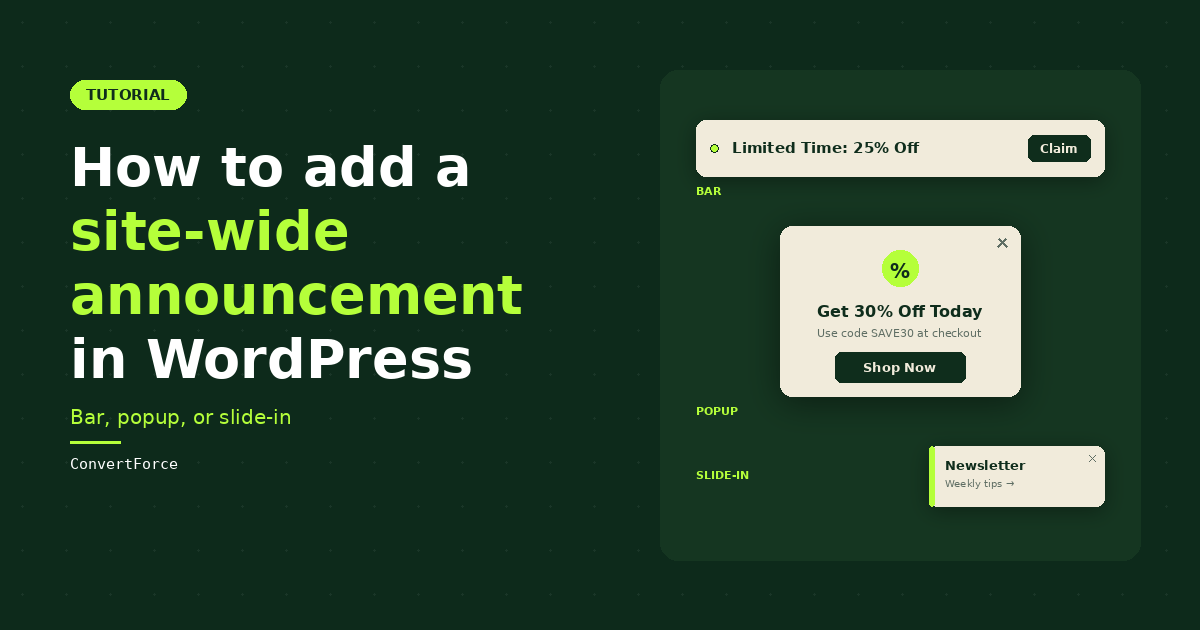
How to Add a Site-Wide Announcement in WordPress (Bar, Popup, or Slide-In)
Most WordPress tutorials about site-wide announcements stop at notification bars. That’s a problem, because notification bars are only one of three formats that work for site-wide messaging. Lightbox popups and slide-ins are equally valid, depending on how urgent your message is and how much attention you want it to grab. This guide covers all three.…
-
·
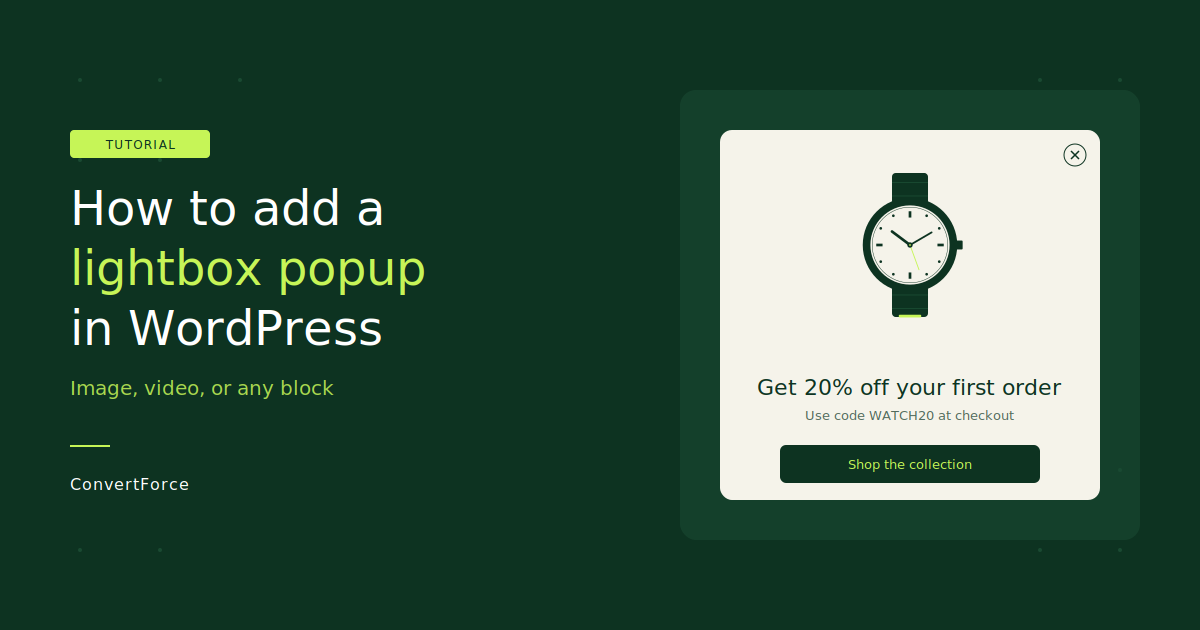
How to Add a Lightbox Popup in WordPress (Image, Video, or Any Block)
A lightbox popup is a modal window that appears over your page content with a dimmed background. You use it to show offers, announcements, or calls to action without sending visitors to a different page. (It’s not the same as an image gallery lightbox, which just opens larger versions of photos.) Most lightbox popup plugins…
-
·
How to Add an Announcement Bar in WordPress (Step-by-Step)
An announcement bar is one of the easiest ways to highlight important messages on your website. Whether you want to promote a discount, announce a product update, or guide visitors toward a special offer, an announcement bar ensures your message stays visible. Unlike popups that interrupt visitors, an announcement bar sits at the top or…
-
·
How to Add a Floating Footer Bar in WordPress (Step-by-Step)
A floating footer bar is one of the simplest ways to promote offers, announcements, or important messages on your website without interrupting visitors. Unlike popups that block the screen, a floating bar stays fixed at the bottom of the page while users scroll. This makes it highly visible while still keeping the browsing experience smooth.…
-

·
How to Open a Modal Popup on Button Click in WordPress
A modal popup is a dialogue box that automatically appears over a webpage when the users fire a pre-defined trigger. They are used to serve various purposes, from displaying important notifications to collecting lead information and guiding users to complete specific actions. Modals can effectively improve user experience. They provide a distraction-free environment where you…