
LearnDash is one of the most capable LMS plugins for WordPress, and its core handles courses, lessons, quizzes, certificates, and student progress reliably. But a working LMS isn’t the same thing as a working online course business. The features that determine whether students complete courses, recommend you to others, and produce repeat revenue mostly live outside of LearnDash itself.
This guide covers 10+ WordPress plugins that extend LearnDash where it matters: admin and instructor tooling, course design and display, payments and memberships, marketing and student acquisition, community, gamification, CRM, and advanced content formats. Each entry explains what the plugin does, who it’s best for, and current pricing, so you can build a stack that fits your stage of business rather than an everything-at-once bundle that slows your site and complicates support.
|
# |
Plugin |
Category |
Free Version |
Pricing (from) |
|---|---|---|---|---|
|
1 |
Uncanny Toolkit for LearnDash |
Course Admin & Modules |
Yes |
$149/yr (Pro) |
|
2 |
LearnDash ProPanel |
Instructor Reporting |
Bundled |
Included |
|
3 |
Elementor |
Page Building |
Yes |
$59/yr (Pro) |
|
4 |
LearnDash WooCommerce |
Course Payments |
Yes |
Free |
|
5 |
MemberPress |
Memberships |
No |
$179.50/yr |
|
6 |
Paid Memberships Pro |
Memberships |
Yes |
$297/yr (Plus) |
|
7 |
ConvertForce |
Promos & Lead Capture |
Yes |
Pro coming soon |
|
8 |
FluentCRM |
Email Automation |
No |
$129/yr |
|
9 |
WP Fusion |
CRM Integration |
Lite version |
$247/yr |
|
10 |
GamiPress |
Gamification |
Yes |
$39+ per add-on |
|
11 |
LearnDash Achievements |
Badges |
Bundled |
Included |
|
12 |
BuddyBoss Platform |
Community |
Yes |
$228/yr (Pro) |
|
13 |
bbPress |
Forums |
Yes |
Free |
|
14 |
GrassBlade xAPI Companion |
SCORM & xAPI |
SCORM 1.2 only |
$99/yr |
1. Uncanny Toolkit for LearnDash (Course Admin & Modules)
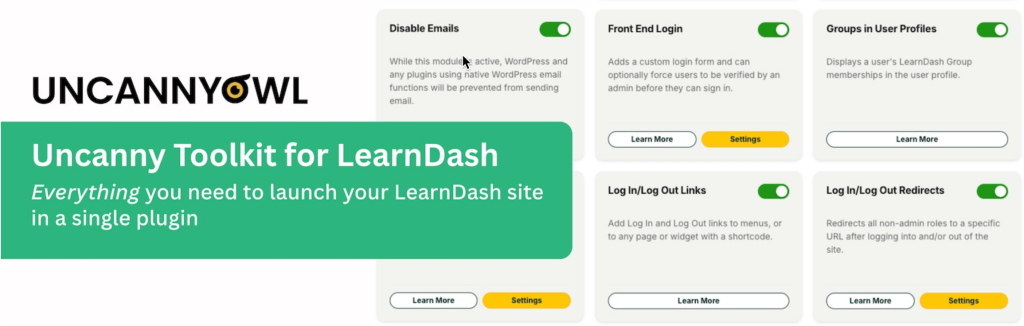
Uncanny Toolkit for LearnDash is a free WordPress.org plugin that adds 16 ready-made modules covering the most common gaps in a LearnDash site, from front-end login forms to resume buttons, breadcrumbs, certificate widgets, and login redirects.
It’s installed on over 20,000 LearnDash sites for one practical reason: the modules answer the questions every course creator hits in the first month of running a site. The Front End Login module replaces the default /wp-admin/ login flow with a styled, on-site form. The Resume Button drops students back into the exact lesson or topic they left. The Not Enrolled Redirect sends prospective buyers to a sales page instead of an empty course screen. Each module is a checkbox, so you only load what you actually use.
The free version handles most of what a small course site needs. A Pro version expands the module list to 35+ and adds heavier features like the Course Dashboard, drip lessons by group, bulk certificate downloads, user import, learner transcripts, and group registration via unique URL.
Best for: Any LearnDash site that needs the obvious missing pieces (front-end login, resume, redirects, breadcrumbs) before paying for anything else.
Pricing: Free; Pro from $149/year for a single site.
2. LearnDash ProPanel (Instructor Reporting)
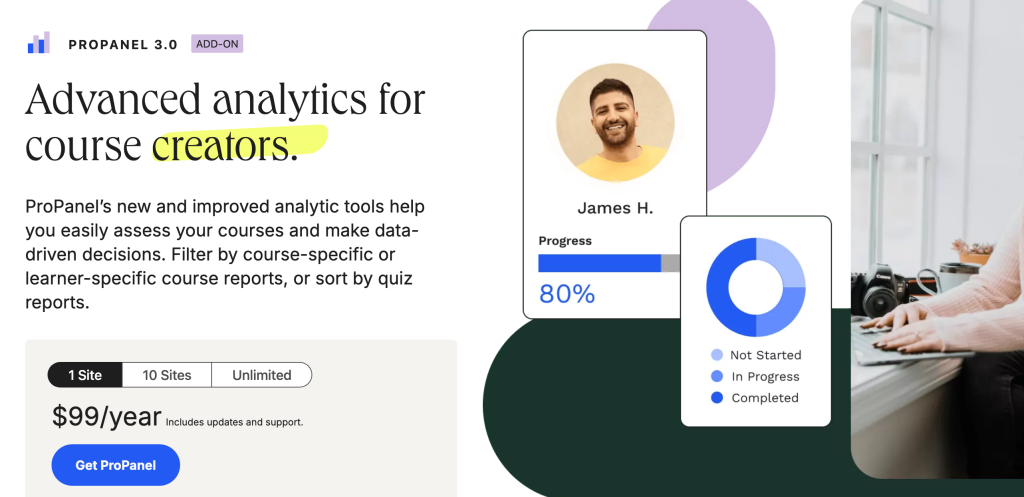
LearnDash ProPanel is an official LearnDash add-on that gives instructors and admins a dashboard view of student activity, progress, and assignments across every course on the site, without leaving the WordPress admin.
The dashboard pulls together the day-to-day work of running courses in one screen: recent activity (who enrolled, who completed what, who failed a quiz), pending essay assignments to grade, course-level progress reports, and quick filters by user or course. For sites running more than one or two active courses, ProPanel replaces a lot of clicking around individual course screens with a single overview.
ProPanel ships with most current LearnDash plans rather than being sold separately, so the practical question is which tier you’re on. Sites that have outgrown ProPanel’s analytics typically move to Tin Canny Reporting (third-party) or pipe LearnDash events into an external analytics tool.
Best for: Course creators running multiple active courses who need a single dashboard for student progress, quiz grading, and assignments.
Pricing: Included with LearnDash plans (verify your current tier).
3. Elementor (Page Building for LearnDash)
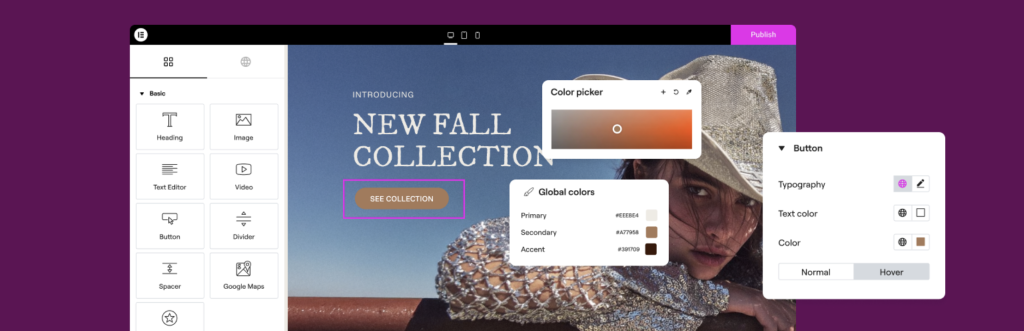
Elementor is a drag-and-drop page builder for WordPress, and Elementor Pro includes dedicated LearnDash widgets for designing course sales pages, lesson layouts, profile pages, and student dashboards without writing code.
The LearnDash-specific widgets in Pro cover course content, course progress, profile, login form, course grid, course list, and quiz scores. Combined with Elementor’s theme builder, you can override LearnDash’s default course and lesson templates with custom layouts, then reuse those templates across the catalog. For course sales pages specifically, the freedom to design without templates often produces better conversion rates than relying on the LearnDash default.
The tradeoff: free Elementor doesn’t ship with LearnDash widgets, only Pro does. And page builder output adds CSS and JS weight that block editor users avoid. For Gutenberg-native sites, full-site editing with a block theme covers most of what Elementor used to be uniquely good for, but Elementor still owns the broadest LMS page-building ecosystem and the deepest LearnDash widget set.
Best for: Course creators who want full design control over LearnDash pages without learning Gutenberg theme blocks or hiring a designer.
Pricing: Free core; Pro from $59/year for a single site.
4. LearnDash WooCommerce Integration (Course Payments)
LearnDash WooCommerce is the official integration that lets you sell course access using WooCommerce as the checkout layer, replacing or supplementing LearnDash’s built-in PayPal and Stripe options.
The reason to run courses through WooCommerce isn’t payments alone, it’s the ecosystem around them. Coupons, sales tax automation, multiple payment gateways, abandoned cart recovery plugins, subscription extensions, gift cards, and reporting tools all assume WooCommerce. Connecting LearnDash to WooCommerce means course access is granted automatically on order completion, and revoked on refund or subscription cancellation, with full WooCommerce reports tracking course revenue alongside everything else you sell.
For course-only stores with a small catalog, this can be overkill: native LearnDash payments plus Stripe is one less plugin to maintain. But for stores selling courses plus physical or digital products, or course creators who want the broader WooCommerce extension library, the integration is essentially free leverage.
Best for: Course creators who need WooCommerce-specific features (coupons, subscriptions, sales tax automation) or who sell courses alongside other products.
Pricing: Free official add-on (requires LearnDash and WooCommerce).
5. MemberPress (Memberships)
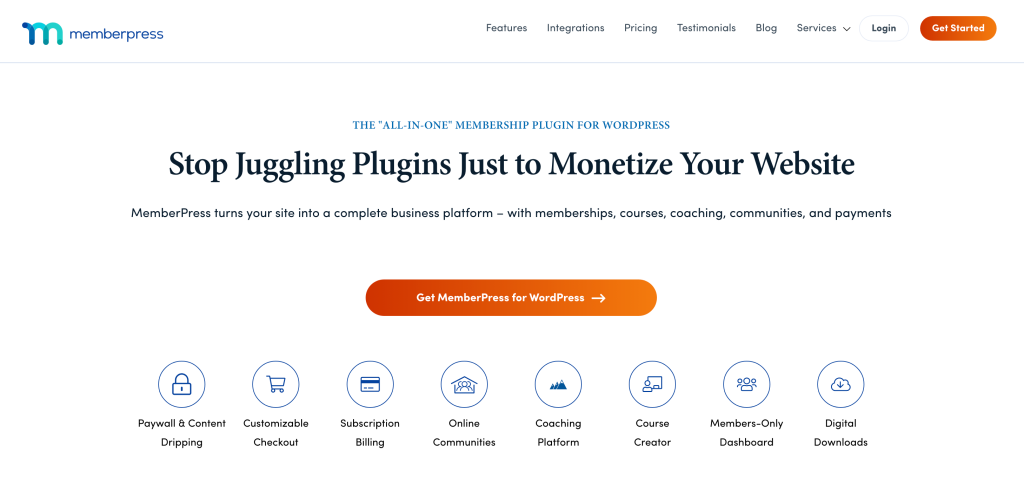
MemberPress is a membership plugin with a deep LearnDash integration that sells course access through membership levels rather than per-course purchases, with recurring billing, drip content, and rule-based access management.
The common setups it enables: an “all courses” membership for a monthly or annual fee, tiered memberships unlocking different course sets (Bronze unlocks foundations, Gold unlocks advanced), and drip-content models that release lessons or courses on a schedule after enrollment. MemberPress handles Stripe, PayPal, and Authorize.net subscriptions natively, plus dunning, prorated upgrades, and cancellation flows. The MemberPress and LearnDash combination is one of the most established monetization setups in the LMS space precisely because it covers the membership business model end to end without bridging plugins.
The tradeoff is cost and rigidity. MemberPress is paid only with no free version, and for course creators selling one-off courses (no membership component) it adds complexity without revenue benefit. Native LearnDash payments or WooCommerce is simpler for non-recurring models.
Best for: Course creators monetizing through monthly or annual memberships rather than individual course purchases.
Pricing: From $179.50/year for the Basic plan (single site).
6. Paid Memberships Pro (Memberships)
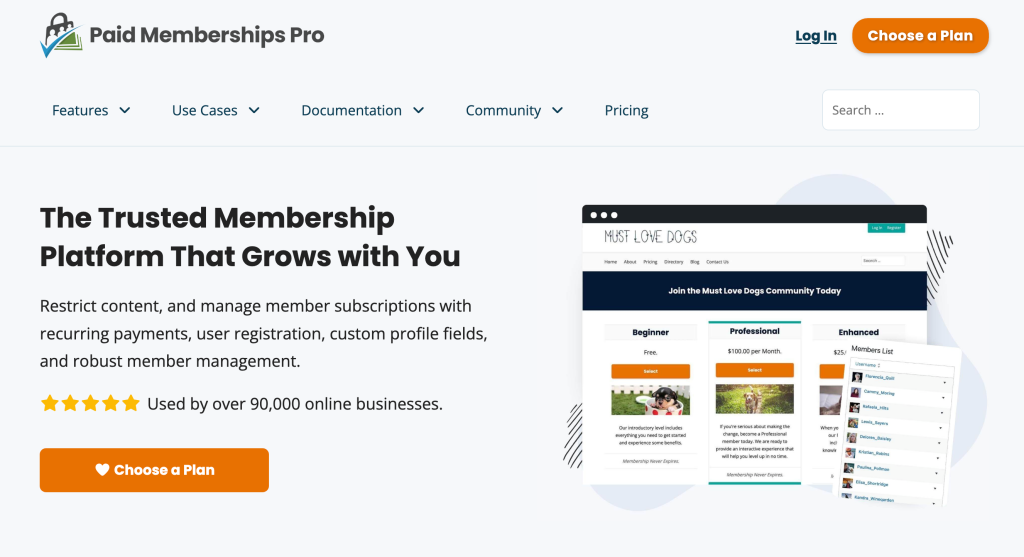
Paid Memberships Pro is a free WordPress.org membership plugin with a separate LearnDash add-on that handles membership-based course access without a per-seat license fee for the core functionality.
PMPro takes the freemium approach: the core plugin and its LearnDash integration add-on are free, including unlimited members, multiple membership levels, level-based content restriction, and Stripe and PayPal payment integrations. Members get assigned to levels, each level can unlock specific LearnDash courses or categories, and renewals or cancellations sync access automatically. The paid Plus subscription unlocks premium add-ons like advanced subscription handling, recurring discount codes, gift levels, custom checkout fields, and BuddyPress / bbPress integrations.
The tradeoff against MemberPress is polish and setup time. PMPro’s admin UI is less curated and assembling the exact feature set you want often means picking through 80+ add-ons (free and paid). In exchange, the floor cost is near zero, which matters for course creators starting with limited budget.
Best for: Course creators on tight budgets, or those who prefer assembling membership systems from individual building blocks rather than paying for an all-in-one platform.
Pricing: Free core and LearnDash add-on; Plus subscription from $297/year for premium add-ons.
7. ConvertForce (Promos and Lead Capture)
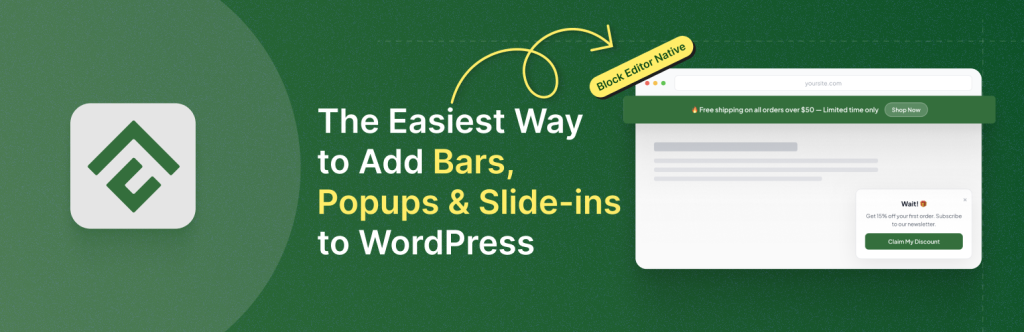
ConvertForce is our Gutenberg-native plugin for creating notification bars, lightbox popups, and slide-in campaigns, the announcement and lead-capture surfaces that sit on top of your LearnDash site without changing the courses themselves.
For a LearnDash site, that translates into specific marketing plays: an announcement bar across the site when a new course launches or a cohort opens for enrollment, a welcome popup offering a discount on a first course purchase, a slide-in promoting early-bird pricing on a high-ticket course, and lead-capture campaigns on free preview lessons and sales pages. Every campaign is built with the same Gutenberg blocks you already use for course content and landing pages, so there’s no separate visual editor to learn and no proprietary drag-and-drop canvas to fight.
ConvertForce is early-stage. The free version is live on WordPress.org with time-delay triggers, and a Pro version with advanced triggers (exit intent, scroll depth, user inactivity), frequency controls, and analytics is in development. We currently don’t support live social proof notifications (real-time enrollment alerts) or direct email service integrations, so course creators who need those should pair ConvertForce with dedicated tools. ConvertForce requires Gutenberg and doesn’t work with the Classic Editor plugin. Independent third-party benchmarks on WP Hive rank ConvertForce in the top 1% for memory and page speed among popup plugins, which matters on LearnDash sites already running multiple performance-sensitive plugins.
Best for: LearnDash sites on Gutenberg that want lightweight, blocks-native promotional surfaces for course launches, discount campaigns, and email lead capture.
Pricing: Free; Pro coming soon.
8. FluentCRM (Email Automation)

FluentCRM is a self-hosted email marketing and CRM plugin that runs entirely inside WordPress, with a LearnDash integration that triggers automated email sequences based on course events: enrollment, lesson completion, quiz results, and course completion.
For LearnDash, the useful flows are predictable and high-leverage. A welcome sequence after enrollment that sets expectations and points to the first lesson. Course-specific drip emails between modules to maintain momentum. Re-engagement campaigns for students who stalled mid-course. Certificate-issued congratulations that include a request to leave a review. Cross-sell sequences after course completion that introduce related courses. Because FluentCRM is self-hosted, you pay a flat annual license rather than per-subscriber pricing, which becomes a meaningful cost advantage once your student list grows past a few thousand contacts.
The tradeoff is email deliverability. FluentCRM sends through your own SMTP provider (Amazon SES, Postmark, SendGrid), so you’re responsible for setting that up, configuring DKIM and SPF, and warming up a sending domain. For course creators with reliable SMTP already in place, FluentCRM replaces a four-figure annual ConvertKit or ActiveCampaign bill with a sub-$200 plugin license.
Best for: Course creators with growing student lists who want flat-fee email automation tied directly to LearnDash events.
Pricing: From $129/year for a single site.
9. WP Fusion (CRM Integration)
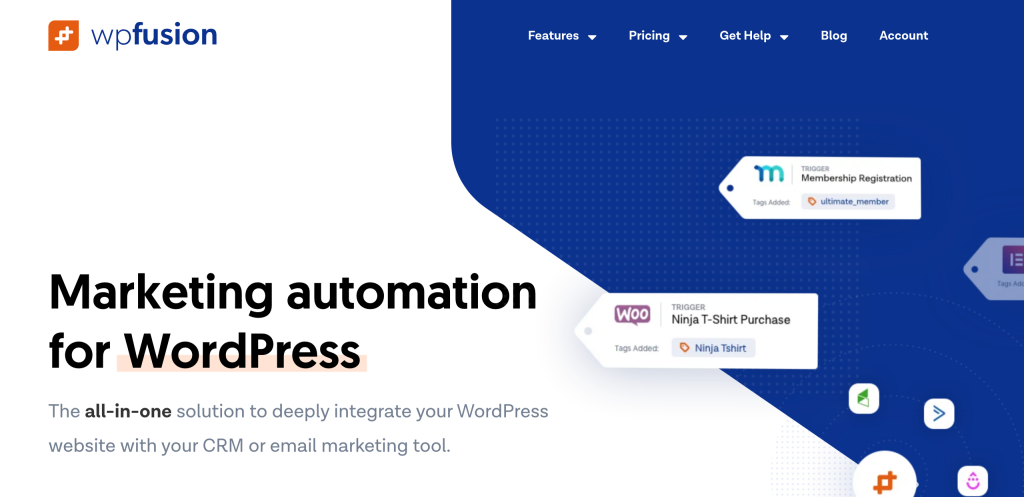
WP Fusion is a connector plugin that syncs LearnDash data, enrollments, course progress, quiz scores, and completions, into 100+ external CRM and marketing platforms (HubSpot, ActiveCampaign, Mailchimp, ConvertKit, Klaviyo, Drip, Salesforce, and others) and tags users automatically based on what they do in your courses.
For course creators running their marketing on a hosted CRM (rather than self-hosting with FluentCRM), WP Fusion is the bridge that turns LearnDash events into CRM tags and automation triggers. Tag a student “Course A Enrolled” the moment they sign up, fire an automation when they complete Module 3, segment students by quiz score for follow-up campaigns, and apply a “Completed” tag plus issue an upsell automation when they finish the course. WP Fusion also handles access control in reverse: grant or revoke LearnDash course enrollment based on CRM tags, which is useful for syncing enrollment with external signup forms, partner programs, or membership platforms.
WP Fusion Lite is free on WordPress.org and supports a narrower set of CRMs and a smaller event map. The paid version unlocks the full integration depth, all 100+ platforms, and the LearnDash-specific event coverage that makes the plugin worth its price.
Best for: Course creators running marketing through a hosted CRM platform who need LearnDash events to drive segmentation, tagging, and automation.
Pricing: Free Lite version; Pro from $247/year.
10. GamiPress (Gamification)

GamiPress is a free WordPress.org gamification plugin that adds points, badges, ranks, and achievements to WordPress, with a LearnDash add-on that triggers rewards on course events.
The setups that work for LearnDash sites are simple and effective. Award points for each lesson or quiz completed. Unlock a badge for finishing a course or hitting a streak. Display ranks on student profiles to encourage progression. Use points as a prerequisite for enrolling in advanced courses, gating premium content behind activity rather than payment. The LearnDash integration fires GamiPress rewards off any LearnDash event, so the configuration is mostly choosing which events trigger which rewards.
GamiPress core is free, but a complete setup almost always needs several premium add-ons: the LearnDash integration, leaderboards, social sharing, points/badge expirations, and email notifications, among others. Each is sold individually or bundled, so costs scale with how deep you go. For sites that just want basic course-completion badges, LearnDash Achievements (next entry) covers that single use case without the add-on tree.
Best for: Course creators who want visible engagement mechanics (points, badges, leaderboards, ranks) to keep students returning between modules.
Pricing: Free core; add-ons from $39 each, bundles from $149/year.
11. LearnDash Achievements (Badges)
LearnDash Achievements is an official LearnDash add-on that adds a built-in badge system to courses, automatically unlocking badges when students hit specific milestones like completing courses, passing quizzes, or reaching progress thresholds.
Compared to GamiPress, Achievements is lighter-weight and built specifically for LearnDash rather than as a general-purpose gamification engine. There’s no points system, no ranks, no leaderboards, just badges tied to LearnDash events. For course creators who want a simple “earn a badge when you finish” mechanic without configuring a full gamification stack, this is the faster path. Badges display on student profiles and can be configured to send automated notifications on award.
The limitation is exactly its scope. If you want students competing on leaderboards, redeeming points for unlockable content, or earning ranks across multiple courses, GamiPress is the broader option. If badges are all you need, this is one fewer third-party plugin to install, maintain, and update.
Best for: LearnDash sites that want a simple badge system without setting up a multi-component gamification stack.
Pricing: Included with LearnDash plans (verify your current tier).
12. BuddyBoss Platform (Community)
BuddyBoss Platform is a community plugin that adds member profiles, activity feeds, social groups, private messaging, and forums to WordPress, with deep LearnDash integration for course-based group spaces and social learning.
For LearnDash sites, BuddyBoss enables features that mature LMS businesses depend on: student profiles tied to course progress, private cohort groups with their own activity feeds, social interactions around lessons (comments, reactions, mentions), instructor-to-student messaging, and discussion forums per course or group. It’s the standard community layer for LearnDash sites moving beyond comment threads into real student communities. Many cohort-based courses and coaching programs run entirely on the LearnDash plus BuddyBoss combination.
Two tradeoffs to know upfront. First, BuddyBoss Platform is heavy: it adds significant front-end weight and database load, which is fine on capable hosting but punishing on entry-tier shared hosting. Second, BuddyBoss strongly recommends pairing the Platform with its own BuddyBoss Theme, which is a separate paid product. The Platform plugin can run on other themes, but the visual polish is meaningfully better with the BuddyBoss Theme.
Best for: LearnDash sites where peer interaction is core to the offer: coaching programs, cohort-based courses, masterminds, professional communities.
Pricing: Platform free; BuddyBoss Pro from $228/year.
13. bbPress (Forums)

bbPress is a free, lightweight forum plugin from the WordPress Foundation that adds discussion forums to WordPress, with LearnDash integration available through the Uncanny Toolkit (Group Forums module) and a few standalone add-ons.
For course sites that need discussion but don’t need a full community platform, bbPress covers the essentials: topic-based forums, replies, subscriptions, role-based permissions, and BBCode formatting. The Uncanny Toolkit’s Group Forums module ties bbPress forums directly to LearnDash groups, so each cohort or course can have its own discussion space accessible only to enrolled students. Setup time is short and the front-end weight is minimal.
The tradeoff is visual and experiential. bbPress is functional but plain by default, and the user experience reads more like a late-2000s discussion board than a modern social feed. For sites where community is central, BuddyBoss is the upgrade path. For sites that just need a Q&A board attached to courses, bbPress does that job without adding meaningful overhead.
Best for: LearnDash sites that want a simple, low-weight forum for course discussions without the complexity of a full community platform.
Pricing: Free.
14. GrassBlade xAPI Companion (SCORM and xAPI)
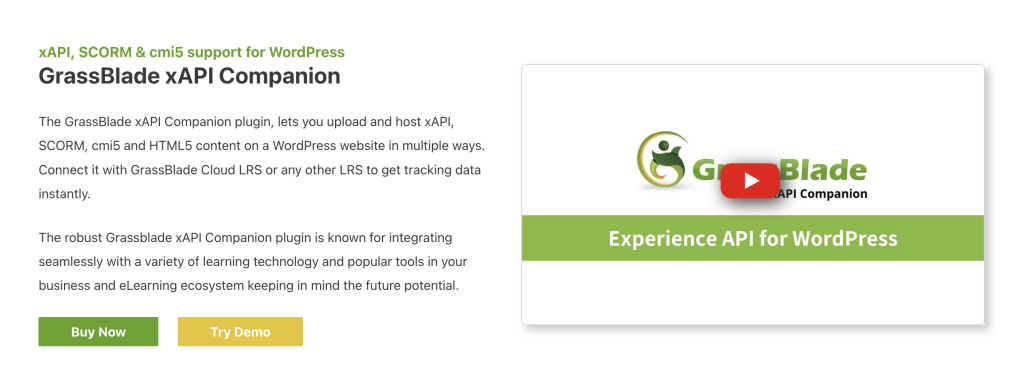
GrassBlade xAPI Companion lets you upload and deliver SCORM, xAPI (Tin Can), and CMI5 packages inside LearnDash courses, with completion and score data passed back to LearnDash for tracking, certificates, and progression rules.
This matters for course creators handling content authored in tools like Articulate Storyline, Adobe Captivate, iSpring Suite, or Lectora. Those tools export to SCORM and xAPI formats that LearnDash can’t play natively, so without GrassBlade (or a similar bridge), you’re stuck rebuilding content in LearnDash lessons. GrassBlade also captures deeper interaction data than LearnDash’s native engine: specific question answers, time spent per slide, branching choices, simulation outcomes. For corporate training, compliance courses (CPE, CE, regulated industries), and B2B training contracts, that detail isn’t optional.
SCORM and xAPI are niche needs. Most consumer-facing course sites don’t have content in those formats, and don’t benefit from installing this. For corporate training, third-party imported content, or compliance-driven training programs, it’s effectively the only practical option in the WordPress ecosystem. The free version supports SCORM 1.2; xAPI, CMI5, and SCORM 2004 require the paid Pro version.
Best for: LearnDash sites delivering content from third-party authoring tools or needing compliance-grade interaction tracking.
Pricing: Free for SCORM 1.2; Pro from $99/year.
How to Choose the Right LearnDash Plugins for Your Site
You don’t need all 15. The right stack depends on where your course business is and which gap is costing the most revenue or retention right now. A reasonable progression looks like this:
New course creator (first course, under 100 students): Focus on the essentials and skip the rest. Uncanny Toolkit for the missing core features every site needs (front-end login, resume, redirects). LearnDash WooCommerce plus Stripe for payments, or native LearnDash payments if your catalog is small. ConvertForce for course launch announcements, welcome popups, and email capture on free preview lessons. LearnDash Achievements (if included with your plan) for basic engagement. Hold off on community plugins, hosted CRM connectors, and SCORM until volume justifies them.
Growing course business (active student base, multiple courses): Add MemberPress or Paid Memberships Pro to introduce recurring revenue through memberships. Add FluentCRM for course-event-driven email automation. Bring in Elementor if you need real design control over course sales pages. Use ProPanel (if bundled) for centralized instructor visibility. Layer GamiPress on top of LearnDash Achievements if mid-course drop-off is your retention problem.
Established LMS or coaching business: Full stack starts to make sense. BuddyBoss Platform for community-driven cohorts, WP Fusion if your marketing runs on a hosted CRM, advanced ConvertForce campaigns for cohort launches and cross-course promotion, GrassBlade if you’re delivering SCORM content from third-party authoring tools, and Tin Canny or a third-party analytics pipe for deeper reporting than ProPanel covers.
Two principles regardless of stage. First, every active plugin is code that loads, gets updated, and occasionally conflicts with other plugins. A heavier stack isn’t automatically a better one. Second, audit your LearnDash plan before purchasing standalone add-ons: ProPanel, Course Grid, Achievements, the WooCommerce integration, and others ship bundled with mid- and upper-tier plans, so you may already own what you were about to buy.
Frequently Asked Questions
How many LearnDash add-ons does a course site actually need?
There’s no fixed number, but most stable course sites run somewhere between 8 and 15 plugins total (including LearnDash itself and its add-ons). The right question isn’t how many, it’s whether each active plugin earns its place in revenue, retention, or operations. A lean stack of 10 well-chosen plugins usually outperforms a bloated stack of 25 across speed, security, and support overhead.
Should I sell courses through WooCommerce or native LearnDash payments?
Native LearnDash payments (with Stripe or PayPal) is simpler and adds no extra plugins. WooCommerce is the right call when you need coupons, automated sales tax, multiple payment gateways, abandoned cart recovery, subscription billing, gift cards, or detailed sales reporting, or when you’re selling courses alongside physical or digital products. For a single-course site or a tight catalog, native payments wins on simplicity.
What’s the difference between LearnDash Achievements and GamiPress?
LearnDash Achievements is a focused badge system built specifically for LearnDash. GamiPress is a general-purpose gamification platform with points, badges, ranks, leaderboards, and rewards, with LearnDash integration available as an add-on. If you only want badges tied to course completion, Achievements is faster to set up. If you want a full engagement system with leaderboards and points-based unlocks, GamiPress has the broader feature set, at the cost of more configuration and more paid add-ons.
Do I need both FluentCRM and WP Fusion?
No. FluentCRM is a self-hosted email and CRM platform, WP Fusion is a connector that syncs LearnDash data into an external hosted CRM (ActiveCampaign, ConvertKit, HubSpot, etc.). Pick one based on where you want your customer data to live: inside WordPress (FluentCRM) or in a third-party platform (WP Fusion). Running both is usually a setup mistake unless you have a specific reason to mirror data between two systems.
Is BuddyBoss worth the cost for a small course site?
Usually not. BuddyBoss shines on course sites where community is core to the offer, like cohort programs, coaching memberships, or professional networks. For a single-course site with a few dozen students, the heavyweight community features mostly add front-end weight and admin complexity without proportional engagement lift. bbPress plus the Uncanny Toolkit’s group forums covers the essentials for far less weight and zero cost.
Can I use these plugins with LearnDash LMS Lite or only the full LearnDash?
Most third-party plugins in this list (Uncanny Toolkit, ConvertForce, FluentCRM, WP Fusion, GamiPress, MemberPress, PMPro, BuddyBoss, bbPress, GrassBlade) work with both LearnDash LMS Lite and full LearnDash, though specific integration features may require the paid version. Official LearnDash add-ons (ProPanel, Course Grid, Achievements, WooCommerce integration) require full LearnDash, since LMS Lite is positioned as an entry-tier product and doesn’t include the add-on ecosystem.
Conclusion
The best LearnDash plugin stack isn’t the longest one, it’s the one that closes your specific gaps without adding new ones. Most course sites leak in predictable places: students who don’t finish, free traffic that doesn’t convert, payment flows that don’t fit the business model, weak community when peers would have helped, and no system for bringing former students back for the next course.
Start by identifying which of those gaps is costing the most revenue or retention right now, then install a single plugin to close that gap. Measure the impact over a few weeks. Then close the next gap. This is slower than installing everything on this list, but it produces a leaner, faster, more profitable LearnDash site, and it keeps you honest about which plugins are earning their place. Install deliberately, audit quarterly, and uninstall anything that isn’t clearly pulling its weight.
Recommended Reading:
- How to Create a Lightbox Popup in WordPress
- How to Add an Announcement Bar in WordPress
- 9 Best WordPress Social Proof Plugins
Leave a Reply